
A $0 tier whose only cost is their badge, and the paid tiers are priced as the way to avoid it rather than the way to be seen.
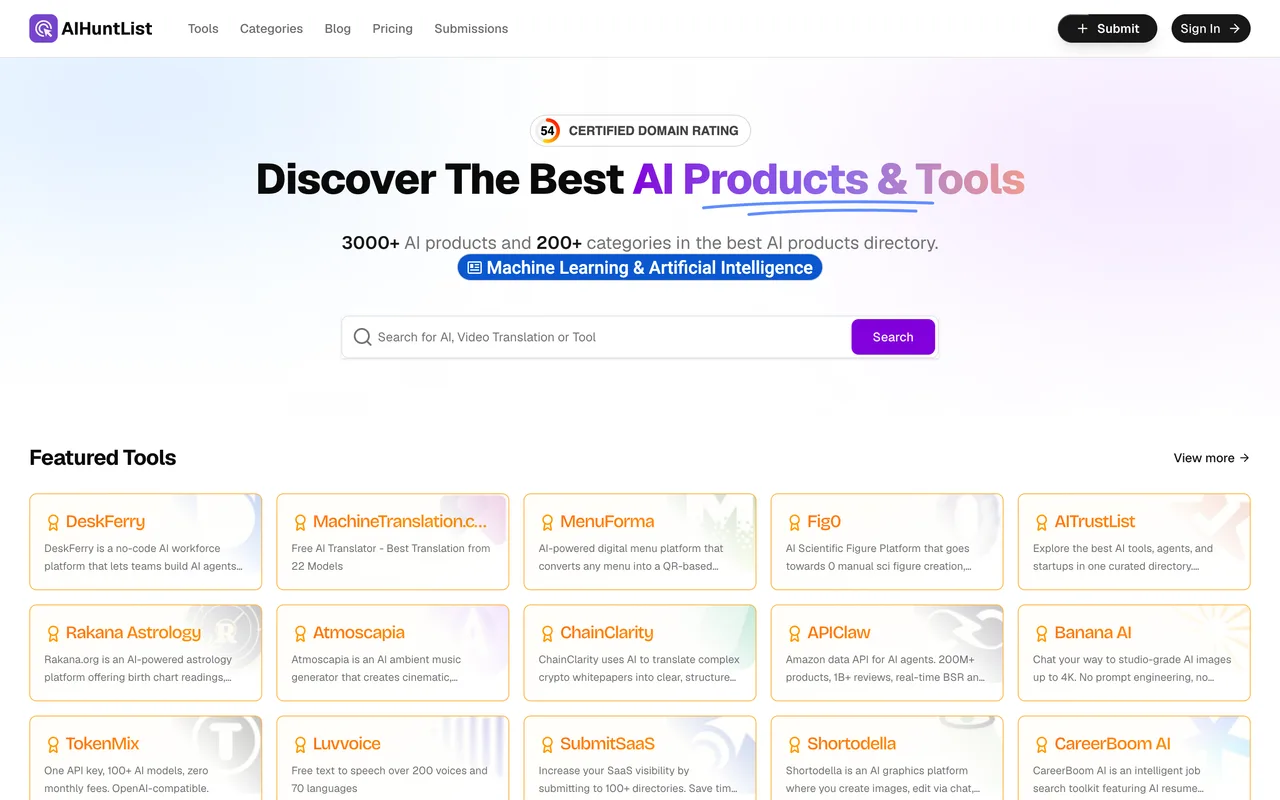
aihuntlist.com
Eligibility
Who AIHuntList accepts
You need
A Google or GitHub account, or an email sign-in link
Their badge or a text link on your site, for the free tier
A short description within 160 characters
At least one category from their own list
You'll be rejected if
Explicit adult content, nudity, deepfakes, illegal material or gambling, which their content policy rejects outright
AI toolsSaaS productsDeveloper toolsProductivity tools
What you actually get
A permanent profile in an AI products directory after an editorial review, with the outbound link carrying no rel attribute at all. The queue on the free tier is stated as about a week on the pricing card itself, and the paid tiers exist mainly to shorten it and to drop the badge.
How to submit to AIHuntList
1
Sign in first
/submission/new redirects to a login offering Google, GitHub and an email link. Signing in is what turns the page into a form.
2
Fill the product information
Website URL, product name within 60 characters, categories, tags, a short description within 160, a cover image and a rich-text Detailed Content block. An AI Autofill button sits inside the URL field.
3
Continue to Review, which is where the prices appear
This saves a draft and shows four tiers. Free is $0, and its card is the one that names the cost: a badge or text link is required for free submissions.
4
Take the free tier and open the badge panel
The free card's button reads Verify backlink first rather than Submit. Pressing it opens a Backlink Badge Verification panel with a light or dark snippet and your reserved listing URL already in it.
5
Deploy, verify, then submit
Paste your site into Your Website URL and press Verify Backlink. Only once it answers Backlink verified does Submit Free Listing become pressable.
AIHuntList requirements
Website URL and product name within 60 characters
One or more categories from their own list
A short description within 160 characters
Their badge or a text link live on your site, for the free tier
A cover image, JPG, PNG, WebP or GIF under 5MBoptional
Detailed Content, a rich-text body for the profileoptional
Tagsoptional
Gotchas
The badge is the entire price of the $0 tier, and the paid cards say so from the other side: Fastpass advertises "no reciprocal link required" and Featured makes the backlink optional.
Prices are not shown until you press Continue to Review, which is after the whole form is filled. The tiers arrive at the end, not the beginning.
Their category list is all AI-generator verticals. Searching marketing returns Marketing Plan Generator and AI Email Marketing, and a product that is not a generator has no clean home in the tree.
Submit Free Listing stays inert until the backlink check passes, so a deployed badge that has not been verified looks exactly like a broken button.
Let your agent submit to AIHuntList
Connect SubmitMap to your AI over MCP and this page stops being something you read and copy. Your agent asks for the AIHuntList playbook and gets the brief for this exact form, with the values already taken from your submission pack instead of placeholders you fill in by hand.
What it does for this platform
Checks your product against the 5 AIHuntList rules above, so you find out you would be rejected before you open a tab.
Hands your agent all 7 fields this form asks for, 3 of them optional, already filled from your pack.
Warns you that AIHuntList looks for its badge on your site, so it has to be live before you submit rather than after.
Tells you what paying buys here, so you pick it on purpose: fastpass at $9.9, down from $29.9, reviews within 24 hours and states plainly that no reciprocal link is required. Featured at $9.9, down from $49.9, makes the backlink optional and pins you in your categories for a month. Sponsored at $69.9, down from $129.9, adds editorial coverage on their blog.
Types it into AIHuntList in your own browser, and stops for you when the form wants a sign-in.
Records what it sent, so the dashboard can answer "did I ever submit to AIHuntList?".
Connect your agentTools and endpointsWorks with Claude Code, Claude, Codex, Cursor, VS Code and Hermes.
AIHuntList FAQ
How long does AIHuntList approval take?
AIHuntList's typical time from submission to going live is about 1 week.
How much does it cost to submit to AIHuntList?
AIHuntList has a free submission option plus paid placement (Fastpass at $9.9, down from $29.9, reviews within 24 hours and states plainly that no reciprocal link is required. Featured at $9.9, down from $49.9, makes the backlink optional and pins you in your categories for a month. Sponsored at $69.9, down from $129.9, adds editorial coverage on their blog.).
Does AIHuntList give a dofollow backlink?
Yes, a listing on AIHuntList carries a dofollow link. The site has a domain rating of 54.
Does AIHuntList require a backlink to your site?
Yes, AIHuntList expects a link back from your site as part of listing.
What gets you rejected from AIHuntList?
Explicit adult content, nudity, deepfakes, illegal material or gambling, which their content policy rejects outright.