
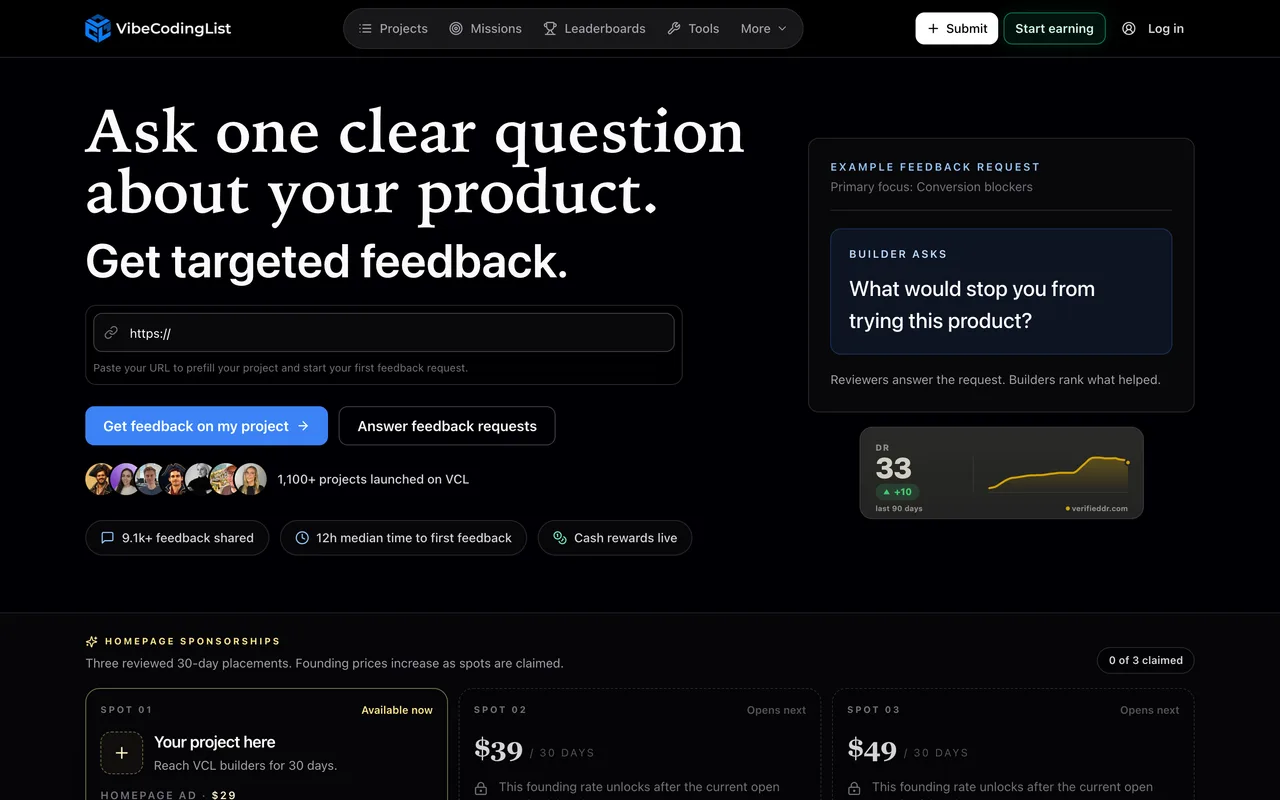
Not a listing so much as a feedback exchange: you ask one question, reviewers answer it, and you earn credits by reviewing back.
vibecodinglist.com
Eligibility
Who VibeCodingList accepts
You need
A live HTTPS product link: preview links and GitHub repos are rejected
An account, created at submit time
A cover image
One clear question for reviewers
You'll be rejected if
Preview URLs and bare GitHub repositories, which they name on the form
Indie productsSaaS productsAI toolsSide projects
What you actually get
Targeted feedback rather than traffic: their own numbers are 1,100 projects, 9,100 pieces of feedback and a 12-hour median to the first response. Project pages carry no outbound link to the product at all, so there is nothing here for SEO.
How to submit to VibeCodingList
1
Prefill from your URL
Paste the product URL and press Prefill project; they populate what they can from the page.
2
Write the ask
Name (100 characters), description (1,000), and a feedback question capped at 240. Choose up to five focus areas from fourteen, which is how the request is routed in their Review Queue.
3
Add a cover image
Required, and the error only appears after you try to submit. Platforms are required too.
4
Sign in and submit
The button reads Login & Submit. Their note: the form is kept through sign-in and submitted automatically when you come back.
VibeCodingList requirements
Live HTTPS product URL
Project name, 100 characters max
Cover image (required)
A feedback question, 240 characters max
Up to 5 focus areas and at least one compatible platform
Description, 1,000 characters maxoptional
X, LinkedIn and GitHub handlesoptional
Gotchas
There is no outbound link on the project pages we opened, so this is feedback and community rather than a backlink.
It runs on credits: two on signup, two more when your first project is approved, and more by reviewing other people's work. Submitting means joining an exchange, not dropping a listing and leaving.
The cover image is required but not marked as such until you submit, so the first attempt fails with 'Cover image is required' after you have filled everything else.
Let your agent submit to VibeCodingList
Connect SubmitMap to your AI over MCP and this page stops being something you read and copy. Your agent asks for the VibeCodingList playbook and gets the brief for this exact form, with the values already taken from your submission pack instead of placeholders you fill in by hand.
What it does for this platform
Checks your product against the 5 VibeCodingList rules above, so you find out you would be rejected before you open a tab.
Hands your agent all 7 fields this form asks for, 2 of them optional, already filled from your pack.
Types it into VibeCodingList in your own browser, and stops for you when the form wants a sign-in.
Records what it sent, so the dashboard can answer "did I ever submit to VibeCodingList?".
Connect your agentTools and endpointsWorks with Claude Code, Claude, Codex, Cursor, VS Code and Hermes.
VibeCodingList FAQ
How long does VibeCodingList approval take?
VibeCodingList's typical time from submission to going live is not stated.
How much does it cost to submit to VibeCodingList?
Submitting to VibeCodingList is free.
Does VibeCodingList give a dofollow backlink?
No, links from VibeCodingList are nofollow. The site has a domain rating of 34.
Does VibeCodingList require a backlink to your site?
No, VibeCodingList does not require a link back from your site.
What gets you rejected from VibeCodingList?
Preview URLs and bare GitHub repositories, which they name on the form.