
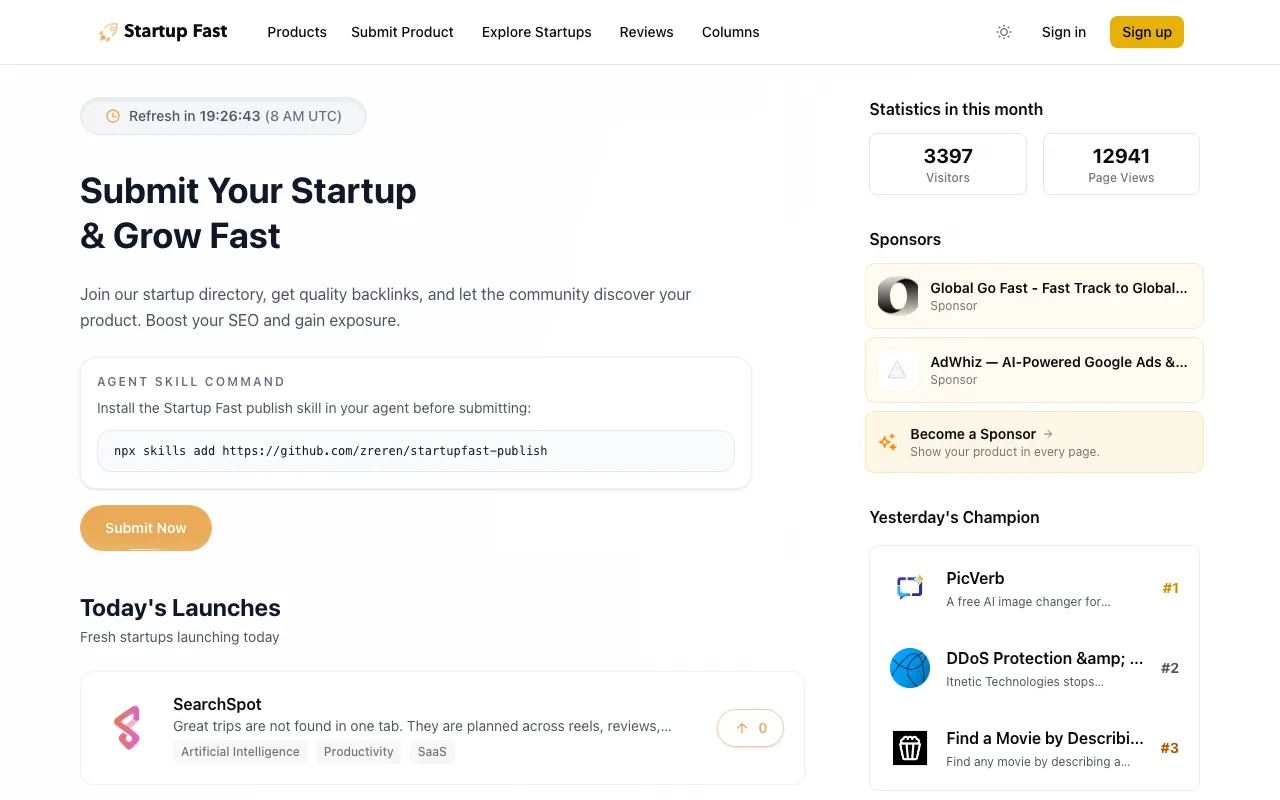
An Open Launch board with honest slot math: five free launches a day, dofollow for daily winners and $9 payers.
startupfa.st
Eligibility
Who Startup Fast accepts
You need
A Google account (the only sign-in)
A startup or personal profile on the site
Their badge on your site for the free launch
A 1:1 logo under 1MB
You'll be rejected if
Unlaunched landing pages
Standard content-policy violations
StartupsSaaS toolsAI toolsIndie projects
What you actually get
A live project page the moment you submit, then a homepage launch day at 8:00 UTC. The backlink stays nofollow unless you finish top 3 that day with their badge up, or pay $9 for the guarantee.
How to submit to Startup Fast
1
Sign in with Google and scrub your profile
Google OAuth is the only door, and its name and avatar become the public 'Added by' identity. Fix both in Settings before submitting.
2
Create a startup profile
The wizard's first step wants the project owned by a startup or personal profile; creating one opens a separate form for name, URL, description and logo.
3
Fill project info and details
One-sentence description, 1:1 logo, up to 3 categories, 5 tech-stack tags, platforms and pricing. GitHub and Twitter are optional.
4
Pick the first date with free slots
Five free slots a day, up to 90 days out. The next several days are usually taken; the first open date is typically 1-2 weeks away.
5
Verify the badge and submit
Any link to startupfa.st passes the crawler check. Success is explicit: your project page goes live immediately, marked with its launch date.
Startup Fast requirements
Google account sign-in
1:1 logo (1MB max)
One-sentence description
Badge live on your site before verification
3 categories + up to 5 tech-stack tags
6:1 cover image (2400x400)optional
GitHub and Twitter URLsoptional
Gotchas
Your Google display name and avatar are shown publicly as the maker; edit them in Settings first or your personal identity ships with the listing.
Free dofollow needs a top-3 finish on launch day AND the badge; treat the launch like a mini Product Hunt day or accept nofollow.
The badge is Open Launch's mandatory license attribution, expected on all pages, so it is a permanent footer commitment.
Agent prompt for Startup Fast
A full walkthrough of this form for your AI agent: every field, limit and trap. The placeholders come from your submission pack (template with a live example).
Paste into your agent
You are an AI agent with browser automation (Chrome connector, Playwright, browser-use or similar). Submit my product to Startup Fast's free launch end to end. My submission pack is pasted at the bottom; it is the single source of truth for every answer. Do not invent copy.

My product: {NAME} ({URL})

CONTEXT
Startup Fast runs on the open-source Open Launch engine. There is also an official CLI path (npx skills add https://github.com/zreren/startupfast-publish) if you prefer JSON submission over form driving; its login is browser-based either way. The web flow below is fully mapped.

BEFORE YOU START
1. Sign-in is Google OAuth ONLY. Hand the tab to me for the login and wait. IMPORTANT: the Google account's display name and avatar become the public 'Added by' identity on the listing. Before submitting, open /settings, click Edit Profile, and set the display name and avatar to my maker identity from the pack (native value setter for the name; inject the avatar file into the image input via DataTransfer).
2. Run window.confirm = () => true; window.alert = () => {} after every full page load.
3. Free launch facts: 5 free slots per day, launches daily at 8:00 UTC, scheduling up to 90 days out, and the earliest free slot is usually 1-2 weeks away. The link is dofollow ONLY if the project ranks top 3 on its launch day AND their badge is on my site; otherwise nofollow. $9 premium guarantees dofollow and skips the queue; paying is my decision.

THE WIZARD (/projects/submit, 5 steps)
4. Step 1 Startup: choose 'Startup Profile' (real click on the card; a heading click does not register). 'Create New Startup' opens a NEW TAB with its own form: website URL, startup name, description, 1:1 logo. Fill it, create, return to the wizard tab, click Refresh List, open the dropdown and real-click the new startup, then Next. The red 'Please select how you want to publish' error persists until the dropdown selection actually registers.
5. Step 2 Project Info: websiteUrl, name, one-sentence description (use my pack's one-liner), 1:1 logo under 1MB (required), optional 6:1 cover (2400x400; skip unless the pack has one). Native value setters plus input/change events; inject the logo via DataTransfer. If fetching my pack assets cross-origin hangs, use the clipboard route: base64 the file in a terminal onto the clipboard, real cmd+v into a temp in-page textarea, decode to a File.
6. Step 3 Details: exactly this shape: up to 3 category checkboxes (real clicks on the label rows; there is no SEO category, Marketing Tools / Platforms / SaaS are the closest fits for tools like mine), a tech-stack tag input (type each technology and press Enter, up to 5), platform checkboxes (Web), pricing radio (match my pack), optional GitHub and Twitter URLs.
7. Step 4 Launch Date: free launch type is preselected. The date picker is a NATIVE select element: set its value (YYYY-MM-DD) with the HTMLSelectElement prototype setter and dispatch 'change'. Nearby dates show 0 free slots; scan the option list for the first date with slots instead of assuming the calendar is full.
8. Step 5 Review: check every field, then the badge gate: any link to https://startupfa.st on my site counts (their official snippet is the 'Powered by Startup Fast' badge from /legal/badges). If it is not deployed, stop, give me the snippet, wait for my confirmation. Click Verify Badge and wait for 'Badge detected on your website!'.

SUBMIT AND VERIFY
9. Click Submit Project. Success is explicit: redirect to /projects/<slug> showing 'Scheduled for <date>'. No upsell modal on this platform.
10. The listing page is live immediately with the scheduled date; description and categories stay editable until launch day.
11. Report back: the listing URL, the launch date and 8:00 UTC time, that top-3 on launch day plus the badge is the only free path to dofollow (rallying upvotes matters), and that the badge must stay up.

MY PACK:

{PACK}Startup Fast FAQ
How long does Startup Fast approval take?
Startup Fast's typical time from submission to going live is listing: immediate; launch: first free slot, typically 1-2 weeks out.
How much does it cost to submit to Startup Fast?
Startup Fast has a free submission option plus paid placement ($9 guaranteed dofollow launch; $49/mo sponsor slots).
Does Startup Fast give a dofollow backlink?
No, links from Startup Fast are nofollow. The site has a domain rating of 48.
Does Startup Fast require a backlink to your site?
Yes, Startup Fast expects a link back from your site as part of listing.
What gets you rejected from Startup Fast?
Unlaunched landing pages; Standard content-policy violations.