
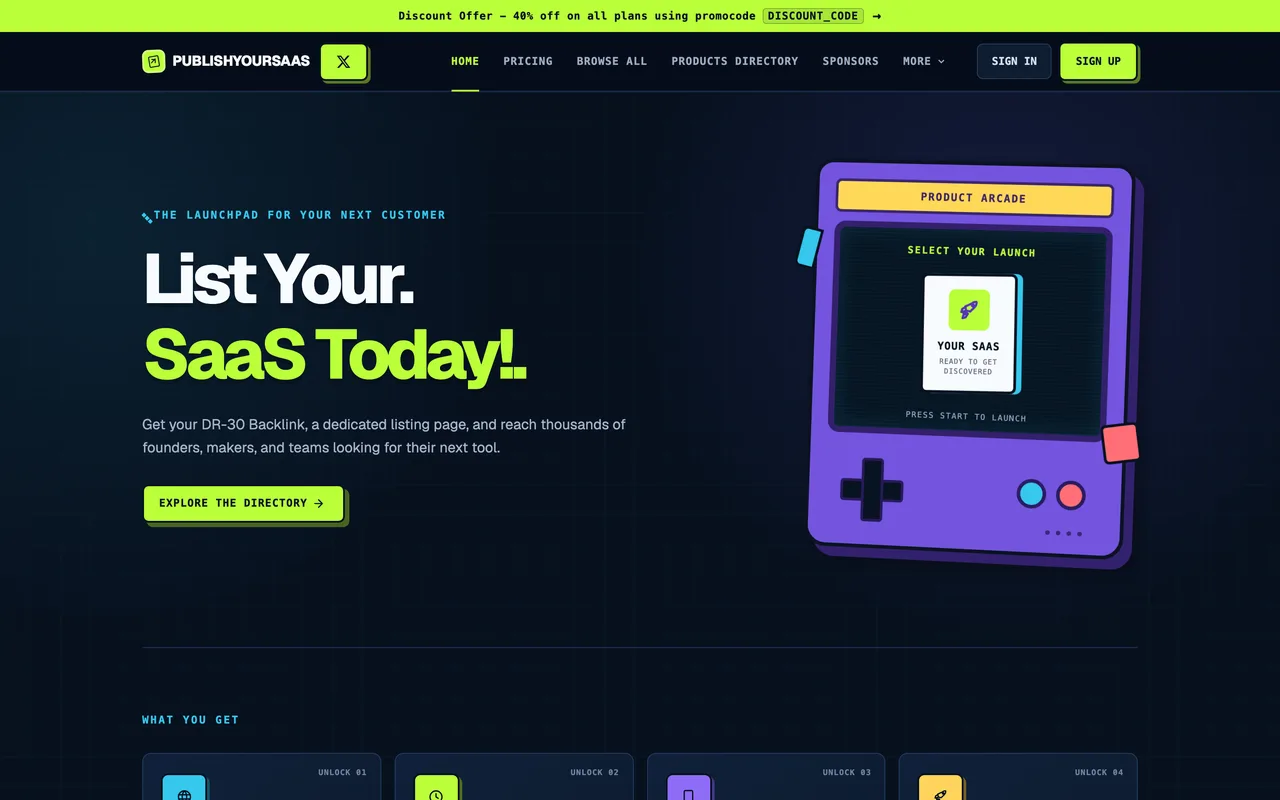
The rare directory that means it when it says free: no account, no payment, and the badge is genuinely optional.
publishyoursaas.com
Eligibility
Who PublishYourSaaS accepts
You need
A live product URL
A screenshot for the listing
A description substantial enough for a human reviewer
You'll be rejected if
Listings a reviewer judges thin or low quality
SaaS productsDeveloper toolsAI toolsDirectories
What you actually get
A listing in a private review queue that goes live only once staff approve it. Their outbound links carry an explicit rel=dofollow, and installing the optional badge upgrades yours to match.
How to submit to PublishYourSaaS
1
Skip the sign-in
Google sign-in is offered for self-managing a listing, but the free manual submission needs no account and no payment.
2
Fill the review form
Email, name, URL, a 250-character description, a 1,500-character about section, tech stack and category.
3
Attach a screenshot
Section 03 wants the image that appears on the listing; without it the submit button can quietly do nothing.
4
Decide on the badge
Verification is optional and does not block submission, but installing the badge is what makes your link dofollow.
5
Submit for free review
A 'Submission received' panel confirms it. Nothing is public until staff approve it.
PublishYourSaaS requirements
Live product URL
250-char short description
1,500-char about section
Screenshot for the listing
Contact email
Their badge, for a dofollow linkoptional
Tech stack, up to five technologiesoptional
Gotchas
The submit button can no-op silently when the screenshot is missing, with no error shown; watch the network panel for the POST.
Free listings enter a private queue and stay invisible until a human approves them, so there is no launch-day moment here.
The badge is optional, which is unusual in this space, but skipping it leaves you with a link that is not dofollow.
Let your agent submit to PublishYourSaaS
Connect SubmitMap to your AI over MCP and this page stops being something you read and copy. Your agent asks for the PublishYourSaaS playbook and gets the brief for this exact form, with the values already taken from your submission pack instead of placeholders you fill in by hand.
What it does for this platform
Checks your product against the 4 PublishYourSaaS rules above, so you find out you would be rejected before you open a tab.
Hands your agent all 7 fields this form asks for, 2 of them optional, already filled from your pack.
Tells you what paying buys here, so you pick it on purpose: $9.99 Starter skips the queue and self-serves edits.
Types it into PublishYourSaaS in your own browser, and stops for you when the form wants a sign-in.
Records what it sent, so the dashboard can answer "did I ever submit to PublishYourSaaS?".
Connect your agentTools and endpointsWorks with Claude Code, Claude, Codex, Cursor, VS Code and Hermes.
PublishYourSaaS FAQ
How long does PublishYourSaaS approval take?
PublishYourSaaS's typical time from submission to going live is manual review.
How much does it cost to submit to PublishYourSaaS?
PublishYourSaaS has a free submission option plus paid placement ($9.99 Starter skips the queue and self-serves edits).
Does PublishYourSaaS give a dofollow backlink?
Yes, a listing on PublishYourSaaS carries a dofollow link. The site has a domain rating of 30.
Does PublishYourSaaS require a backlink to your site?
No, PublishYourSaaS does not require a link back from your site.
What gets you rejected from PublishYourSaaS?
Listings a reviewer judges thin or low quality.