
An MCP server registry that reads your GitHub repo for you, which is also the reason a closed-source server cannot get in.
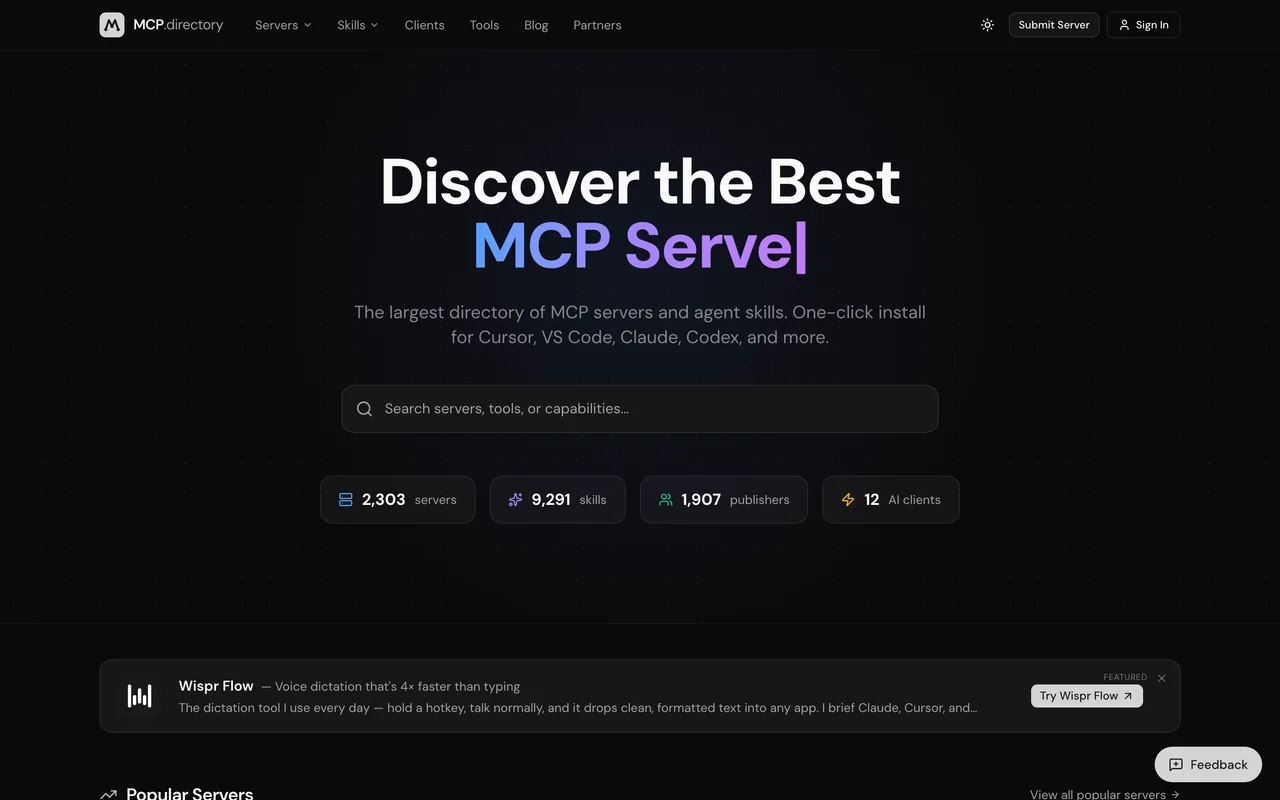
mcp.directory
Eligibility
Who MCP.Directory accepts
You need
A public GitHub repository
An MCP server
You'll be rejected if
Closed-source or hosted-only MCP servers with no public repository
MCP serversOpen source projects
What you actually get
A registry entry auto-populated from your repository, published within about a day. The form is public and needs no account, but the GitHub URL is mandatory, so a closed-source or hosted-only server has no way in.
How to submit to MCP.Directory
1
Open the form, no account needed
/submit is public. Only submitting needs anything, and even then there is no sign-up in the way.
2
Give them a public repo
The GitHub repository URL is the only required field on the form. Everything else is optional: npm package, PyPI package, a short description capped at 100 characters, and the email they notify you on.
3
Let them fill the rest
They auto-detect name, description, language, license, tools and the README from the repo, and generate the description if you leave it blank.
MCP.Directory requirements
A public GitHub repository
100-char descriptionoptional
Contact emailoptional
npm package nameoptional
PyPI package nameoptional
Gotchas
You may be listed already. They pull servers from the official MCP Registry on their own, and the submit page says so: if yours is in there, the move is to email hello@mcp.directory and claim the entry for a verified badge and edit access, not to submit it a second time.
The GitHub repository URL is required, so a hosted closed-source MCP server needs a separate metadata repo. That repo does not need your source: a server.json, a README and a licence are enough to submit, though a human reviews every entry, so treat that as the floor rather than a guarantee.
Because the listing is generated from the repo, a thin README becomes a thin listing. Write the 100-character description yourself instead of leaving it blank for them to generate.
The form is entirely public: no account, no sign-in, nothing gated. It is only the repo requirement that stops you.
Nothing checks the repository while you fill the form. Detection runs when you submit, so a private or misspelled URL is only caught afterwards, and there is no way to test one without spending the attempt.
Let your agent submit to MCP.Directory
Connect SubmitMap to your AI over MCP and this page stops being something you read and copy. Your agent asks for the MCP.Directory playbook and gets the brief for this exact form, with the values already taken from your submission pack instead of placeholders you fill in by hand.
What it does for this platform
Checks your product against the 3 MCP.Directory rules above, so you find out you would be rejected before you open a tab.
Hands your agent all 5 fields this form asks for, 4 of them optional, already filled from your pack.
Types it into MCP.Directory in your own browser, and stops for you when the form wants a sign-in.
Records what it sent, so the dashboard can answer "did I ever submit to MCP.Directory?".
Connect your agentTools and endpointsWorks with Claude Code, Claude, Codex, Cursor, VS Code and Hermes.
MCP.Directory FAQ
How long does MCP.Directory approval take?
MCP.Directory's typical time from submission to going live is within 24 hours.
How much does it cost to submit to MCP.Directory?
Submitting to MCP.Directory is free.
Does MCP.Directory give a dofollow backlink?
Yes, a listing on MCP.Directory carries a dofollow link. The site has a domain rating of 33.
Does MCP.Directory require a backlink to your site?
No, MCP.Directory does not require a link back from your site.
What gets you rejected from MCP.Directory?
Closed-source or hosted-only MCP servers with no public repository.