
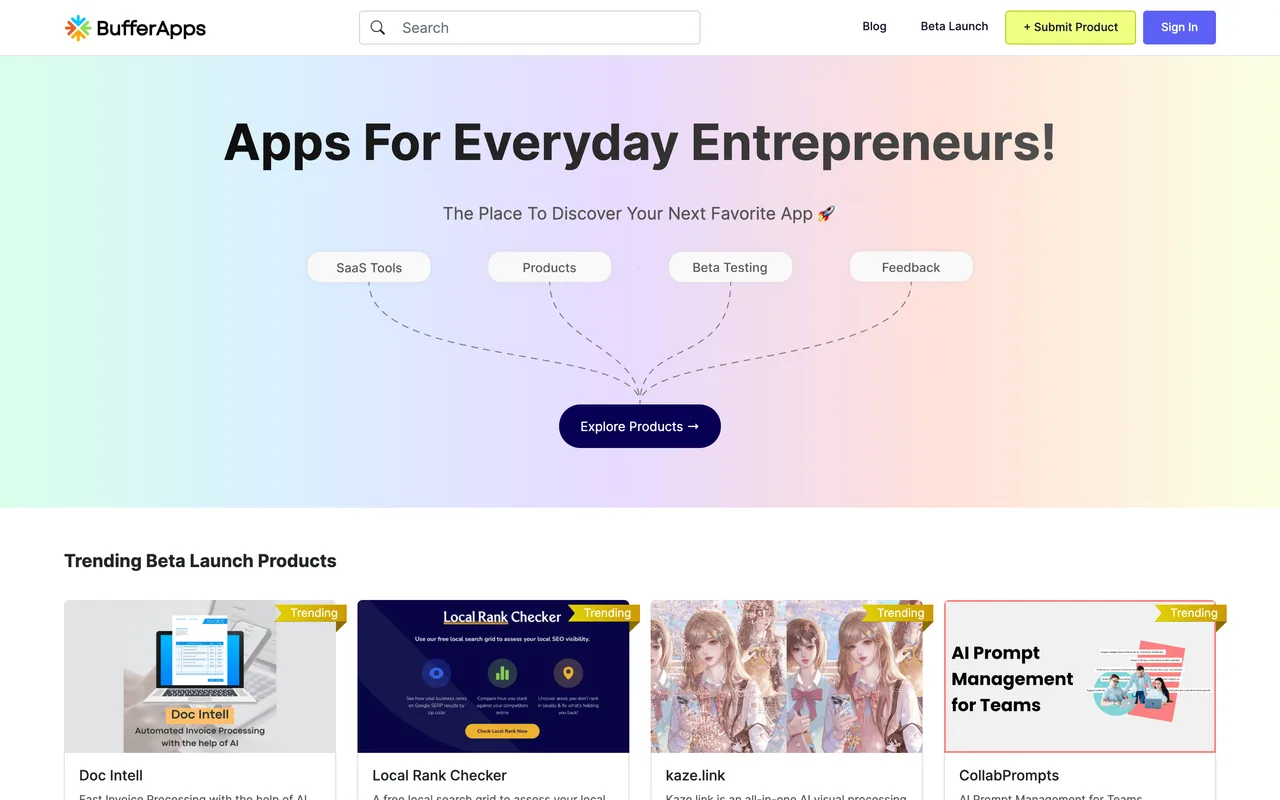
A beta-tester community where products are listed for people to try, and where the listing cards carry no link to your site at all.
bufferapps.com
Eligibility
Who BufferApps accepts
You need
An account: email and password, or a Google button that did not respond for us
A product in or near beta, since the listing is a testing programme
You'll be rejected if
Nothing published
SaaS productsWeb appsIndie products
What you actually get
Exposure to a pool of self-declared beta testers who are paid $10 in credit to join and try things. What you do not get is a backlink: nothing on the public listing pages links out to the products at all, cards included.
How to submit to BufferApps
1
Open the form
The header's + Submit Product goes to /beta-listing/new, which renders the whole form to signed-out visitors.
2
Fill the General step
Product name, a one-sentence description, website, product description and optional Facebook, X and LinkedIn URLs.
3
Hit the sign-in wall
Next opens a sign-in modal rather than advancing. Email and password, or Sign In With Google.
4
Complete the Details step
A second step exists behind the wall; its fields are only visible to an account.
BufferApps requirements
Account (email and password, or Google)
Product name and one-sentence description
Website URL
Product description
Facebook, X and LinkedIn URLsoptional
Gotchas
No outbound links: the trending and beta-listing grids render product cards with no anchor to the product at all, so there is no backlink here in any form.
The audience is beta testers recruited with $10 of credit, which shapes the feedback you get: people testing to earn, not people with your problem.
The whole form renders before it asks who you are, so you can fill in a submission and only meet the sign-in wall when you press Next.
Let your agent submit to BufferApps
Connect SubmitMap to your AI over MCP and this page stops being something you read and copy. Your agent asks for the BufferApps playbook and gets the brief for this exact form, with the values already taken from your submission pack instead of placeholders you fill in by hand.
What it does for this platform
Checks your product against the 3 BufferApps rules above, so you find out you would be rejected before you open a tab.
Hands your agent all 5 fields this form asks for, 1 of them optional, already filled from your pack.
Types it into BufferApps in your own browser, and stops for you when the form wants a sign-in.
Records what it sent, so the dashboard can answer "did I ever submit to BufferApps?".
Connect your agentTools and endpointsWorks with Claude Code, Claude, Codex, Cursor, VS Code and Hermes.
BufferApps FAQ
How long does BufferApps approval take?
BufferApps's typical time from submission to going live is not stated.
How much does it cost to submit to BufferApps?
Submitting to BufferApps is free.
Does BufferApps give a dofollow backlink?
No, links from BufferApps are nofollow. The site has a domain rating of 25.
Does BufferApps require a backlink to your site?
No, BufferApps does not require a link back from your site.
What gets you rejected from BufferApps?
Nothing published.