
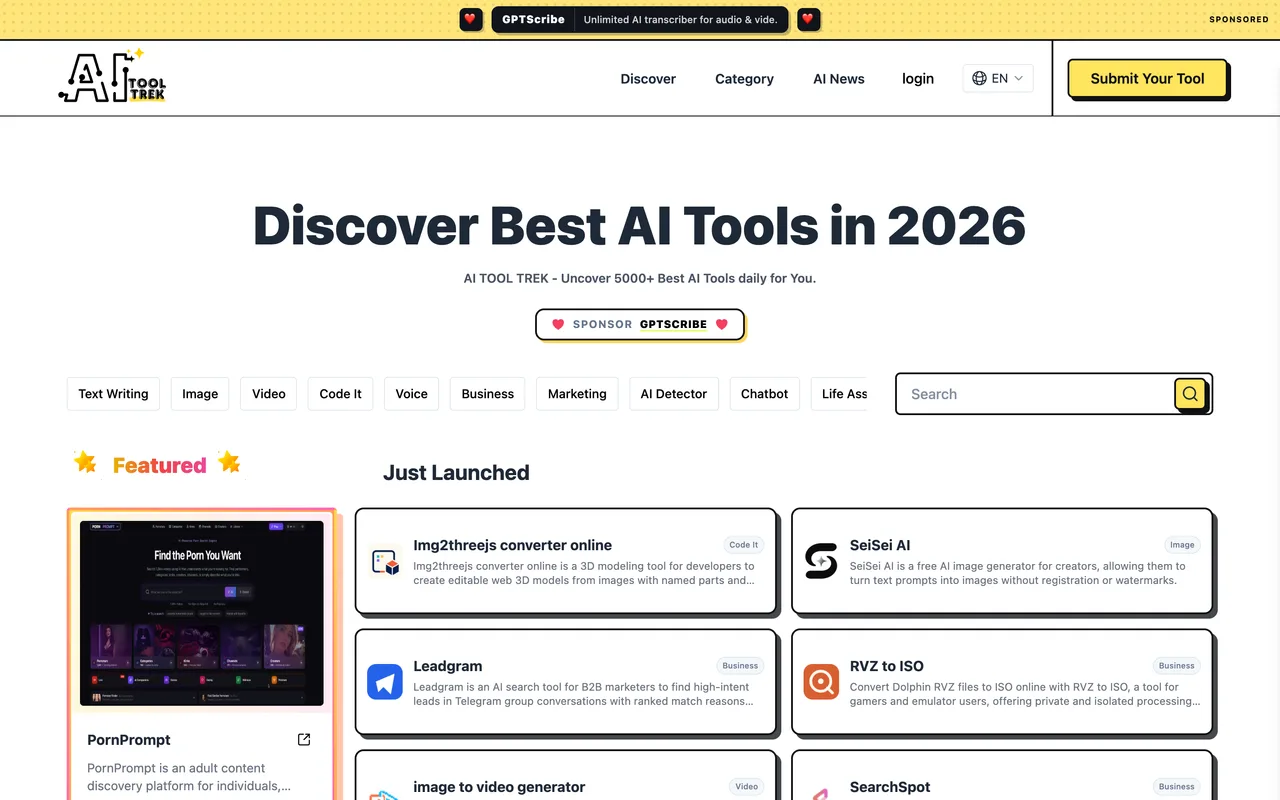
The free lane trades a text link for a listing, but the submit button did nothing across three attempts.
aitooltrek.com
Eligibility
Who AI Tool Trek accepts
You need
A Google account
A text link to aitooltrek.com on your homepage, kept there
You'll be rejected if
Anything that is not an AI tool
AI toolsSaaS products
What you actually get
On paper, a listing reviewed within 72 hours and published within fifteen days in exchange for a text link on your homepage. In practice the free submission could not be confirmed, so treat the outcome as unproven.
How to submit to AI Tool Trek
1
Choose the lane
The submission form carries a lane pill that reads Fast Track by default; clicking the Free Pack card switches it, and the pill and the strapline change with it.
2
Copy their link snippet
The free card hands over a plain anchor to aitooltrek.com and states that the submission is removed once the backlink is removed.
3
Sign in
The first Submit press opens a Please continue by logging in dialog with a single Continue with Google button.
4
Submit the two fields
Website name and website URL. Their FAQ puts review at 72 hours and publication within fifteen days on the free pack.
AI Tool Trek requirements
A website name and URL
A Google account
A text link to aitooltrek.com on your homepage
Gotchas
The free submission could not be confirmed: three presses of Submit produced only a server-side crawl of the submitted site and no confirmation, no error and no dashboard entry, so you cannot tell whether it arrived.
The lane pill defaults to the paid Fast Track, so a submission made without clicking the Free Pack card first is aimed at the wrong plan.
Their own free card says the listing is removed once the backlink is removed, so the text link is a standing commitment.
Let your agent submit to AI Tool Trek
Connect SubmitMap to your AI over MCP and this page stops being something you read and copy. Your agent asks for the AI Tool Trek playbook and gets the brief for this exact form, with the values already taken from your submission pack instead of placeholders you fill in by hand.
What it does for this platform
Checks your product against the 3 AI Tool Trek rules above, so you find out you would be rejected before you open a tab.
Hands your agent all 3 fields this form asks for, none of them optional, already filled from your pack.
Warns you that AI Tool Trek looks for its badge on your site, so it has to be live before you submit rather than after.
Tells you what paying buys here, so you pick it on purpose: fast Track is $19.9 one-time, down from $29.9: listing within 24 hours, five or more dofollow links and a featured badge. Unlimited Pack is $39.9 a month with no backlink ever required.
Types it into AI Tool Trek in your own browser, and stops for you when the form wants a sign-in.
Records what it sent, so the dashboard can answer "did I ever submit to AI Tool Trek?".
Connect your agentTools and endpointsWorks with Claude Code, Claude, Codex, Cursor, VS Code and Hermes.
AI Tool Trek FAQ
How long does AI Tool Trek approval take?
AI Tool Trek's typical time from submission to going live is up to 15 days.
How much does it cost to submit to AI Tool Trek?
AI Tool Trek has a free submission option plus paid placement (Fast Track is $19.9 one-time, down from $29.9: listing within 24 hours, five or more dofollow links and a featured badge. Unlimited Pack is $39.9 a month with no backlink ever required.).
Does AI Tool Trek give a dofollow backlink?
Yes, a listing on AI Tool Trek carries a dofollow link. The site has a domain rating of 60.
Does AI Tool Trek require a backlink to your site?
Yes, AI Tool Trek expects a link back from your site as part of listing.
What gets you rejected from AI Tool Trek?
Anything that is not an AI tool.