
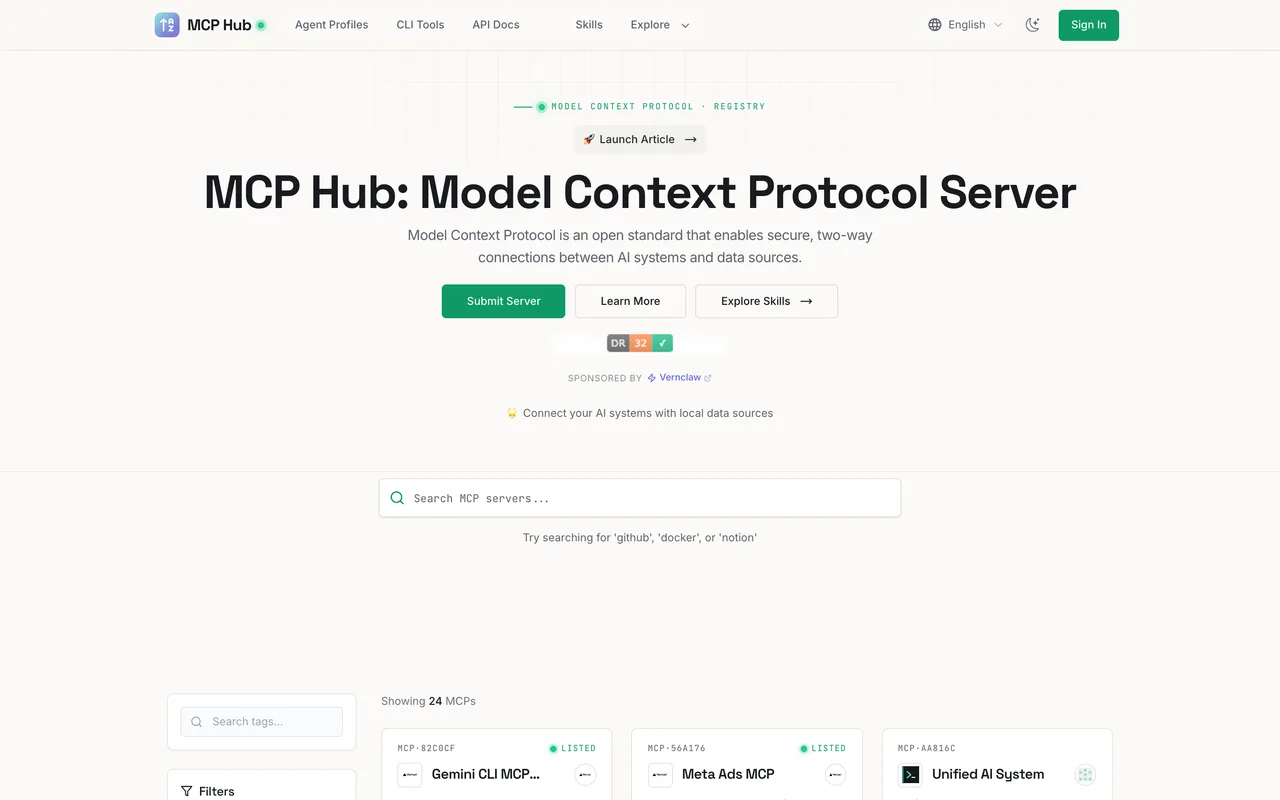
A registry for MCP servers, agent apps and CLI tools that wants your GitHub repo rather than your product, and links to it nofollow.
aimcp.info
Eligibility
Who MCP Hub accepts
You need
A public GitHub repository: the form asks for the repo, not the product
A name and an author or organisation
You'll be rejected if
Products with no repository to point at
Anything outside the MCP, agent app or agent CLI space
MCP serversAgent skillsAI toolsDeveloper tools
What you actually get
A card in a tag-filtered registry that AI-tool builders actually browse, with your repo, description and avatar. The link out is nofollow, so the value is discovery by people looking specifically for MCP servers, not SEO.
How to submit to MCP Hub
1
Pick the right queue
Three separate flows on /en/submit: Submit MCP for server repositories, Submit Agent APP for a scheduled product profile, and Submit Agent CLI for command-line tools.
2
Give them the repo
GitHub Repository URL, MCP name and author are required. There is an auto-fill button that reads the repo and populates the rest.
3
Add the optional detail
Avatar URL, contact email (not publicly shown) and a description. A newsletter checkbox is ticked by default.
4
Wait for review
Their own line: submissions are reviewed before being published. No timeframe is given anywhere and no reference is issued.
MCP Hub requirements
Public GitHub repository URL
Name and author or organisation
Avatar image URLoptional
Contact email, never shown publiclyoptional
Descriptionoptional
Gotchas
Listings link to the repository with rel=nofollow, while the site's own partner links are dofollow. Come here for the audience, not the link.
It wants a repository, not a product. If your MCP server is closed source you have nothing to submit, which is the same wall the official registry puts up.
No review time is published, no reference id is issued and the form just redirects to the homepage, so there is nothing to chase if it never appears.
Let your agent submit to MCP Hub
Connect SubmitMap to your AI over MCP and this page stops being something you read and copy. Your agent asks for the MCP Hub playbook and gets the brief for this exact form, with the values already taken from your submission pack instead of placeholders you fill in by hand.
What it does for this platform
Checks your product against the 4 MCP Hub rules above, so you find out you would be rejected before you open a tab.
Hands your agent all 5 fields this form asks for, 3 of them optional, already filled from your pack.
Types it into MCP Hub in your own browser, and stops for you when the form wants a sign-in.
Records what it sent, so the dashboard can answer "did I ever submit to MCP Hub?".
Connect your agentTools and endpointsWorks with Claude Code, Claude, Codex, Cursor, VS Code and Hermes.
MCP Hub FAQ
How long does MCP Hub approval take?
MCP Hub's typical time from submission to going live is not stated.
How much does it cost to submit to MCP Hub?
Submitting to MCP Hub is free.
Does MCP Hub give a dofollow backlink?
No, links from MCP Hub are nofollow. The site has a domain rating of 25.
Does MCP Hub require a backlink to your site?
No, MCP Hub does not require a link back from your site.
What gets you rejected from MCP Hub?
Products with no repository to point at; Anything outside the MCP, agent app or agent CLI space.